MirrorCut AI video editor for video ads and ShortsWhat will you edit today?
MirrorCut is an AI video editor that turns your own recordings into video ads, Shorts and Reels. Just record; you review every change.
Examples
Video ads made with MirrorCut
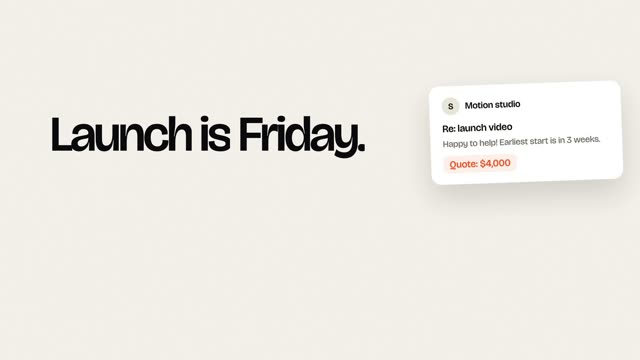
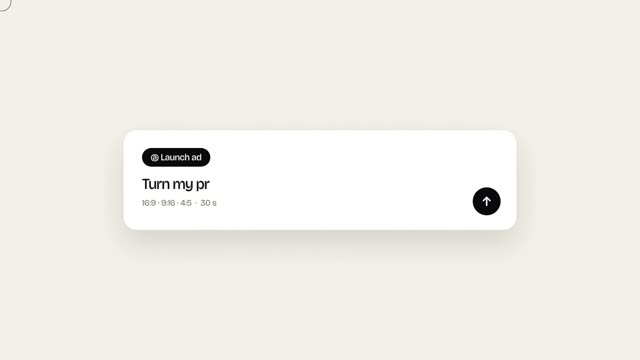
Our own launch ad, edited in MirrorCut, and previews from the product-ad studio we're building.
See all examples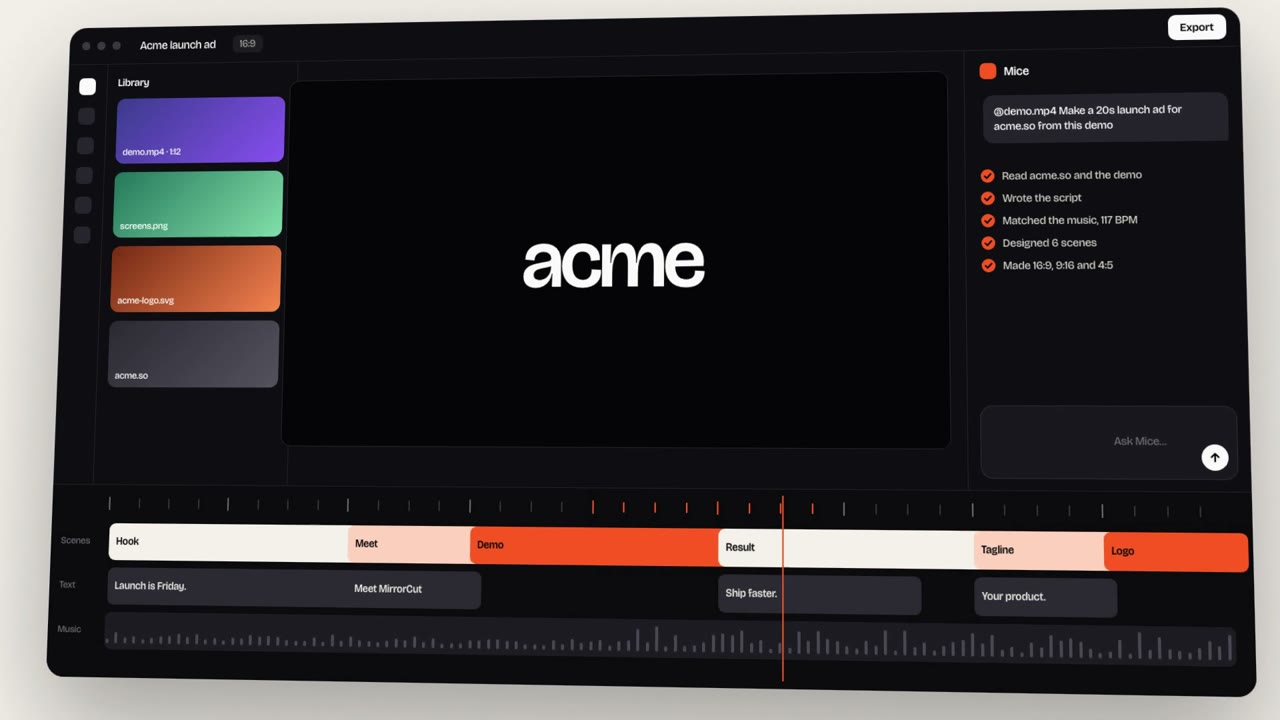
MirrorCut launch ad, edited with MirrorCut
Our own 19-second launch ad, edited with MirrorCut: motion graphics, music and every format from one edit.
You record. The agent edits.
Dead air, filler words and retakes cut. Captions added. Shorts found. You review every change.
You bring
You get
How it works
From recording to review in three steps
Describe it, direct it, and review it. Here is how a first cut comes together.
Describe it
01Use a prompt, your footage, or both. MirrorCut builds an editable first cut.
Direct it
02Refine through chat, or right on the timeline. The agent patches the edit instead of starting over.
Ship it
03Review every change, then export your finished video.
Features
Everything you need to
make the cut
Shape the edit, reach every platform, and stay in control of the result.
01 · Shape the edit
Cut the dead air. Keep the best moments.
Find the retakes, filler words, and silences, and pull the strongest moments out of hour-long recordings.
- Dead air, filler words, and false starts
- Strongest moments, scored by hook
- Captions that stay in sync after every cut
- 0:00So, um, this is the new dashboard.
- 0:04Everything you need is like, in one view.
- 0:08You can filter by, uh, let me redo that.
- 0:12You can filter by team.
- “It found the leak faster than I did.”Story · 15:2687
- “Make the thing they’re trying to do easier.”Advice · 29:1079
- “I uninstalled my IDE.”Hot take · 43:5072
02 · Every platform
One recording. Every format.
Switch between 16:9, 9:16, 1:1 and 4:5. Each shot is reframed around whoever is speaking, with animated captions on top.
- Reframing that follows the speaker
- 48 animated caption styles
- Each short opens as its own editable timeline
03 · Stay in control
You review every change.
Every AI edit is outlined on the timeline and explained in one line. Accept it, revert it, or keep editing by hand. Undo works the same for both.
- Captions (SRT, VTT)Available now
- MP4 up to 4KAvailable now
- Premiere Pro XMLSoon
- OpenTimelineIOSoon
- After Effects scriptSoon
Use cases
What you can make with MirrorCut
AI video editing for ads, podcasts, Shorts and talking-head videos, from your own recordings.
Frequently asked questions
MirrorCut is an AI video editor founded by Saikat Dey and Sagar Dey. You upload your own recordings, describe the edit, and its agent turns them into ads, Shorts and finished videos: it cuts dead air, captions, reframes and adds motion graphics, and you review every change on a real timeline. It isn't affiliated with other apps that use the MirrorCut name.
No. MirrorCut at mirrorcut.ai is an AI video editor. It isn't affiliated with mirrorcut.app, a hairstyle try-on app, or any other product that uses the MirrorCut name.
Yes. Upload a couple of recordings, such as a founder talking about the product, a demo or a customer testimonial, and ask for an ad. The agent opens on the strongest hook and adds captions, motion graphics like stats and an offer end card, music, and every format from 9:16 to 16:9.
Solo creators who record podcasts, interviews, or talking-head videos and spend hours editing each one. The agent does the first pass; you stay in control of the final cut.
Video in MP4, MOV, MKV, and WebM; images in JPG, PNG, WebP, and HEIC; audio in MP3, WAV, and M4A. Large files upload in the background and resume if your connection drops.
No. Each AI change is highlighted on the timeline with Accept and Revert buttons, and it shares one undo history with your own edits. Expensive steps like full-resolution renders ask before running.
That's the plan for launch: export a Premiere Pro XML or OpenTimelineIO file with your cuts, tracks, and timing, plus caption layers for After Effects. These exports aren't available yet.
Every account starts with 7 days of Creator free (a card is required). After that, Creator is $10, Pro is $30, Studio is $60 a month, and every yearly payment adds 50 bonus AI credits.
More on plans and pricing, the team behind MirrorCut, and how it compares.
Your next video,
made in MirrorCut.
Bring one recording and see your first cut. 7 days free, then $10 a month.