Text effects for the words that matter in your video
Quick answer
MirrorCut adds text effects to the words in your video's captions: 14 looks, including glass, liquid chrome, gold, soft 3D, holographic, gradient glow, neon, inflated, glitch, melt and pearl. Pick a word, open the Effects tab in the Captions panel and choose a look. Used on one or two key words, they make a Short or ad look produced without a separate design tool.
A caption tells the viewer what you said; an effect on one word tells them what matters. Chrome, glass, gold or neon on the key word of a hook is a staple of produced Shorts and ads, but it usually means designing the word in another tool and lining it up by hand.
In MirrorCut the effect lives on the caption word itself, so it stays on the right moment through every cut. Pick a word, choose a look, and preview it on your own video.
Start your free trial7 days free, then $10 a month. Works in your browser.
How to make a video look professional →
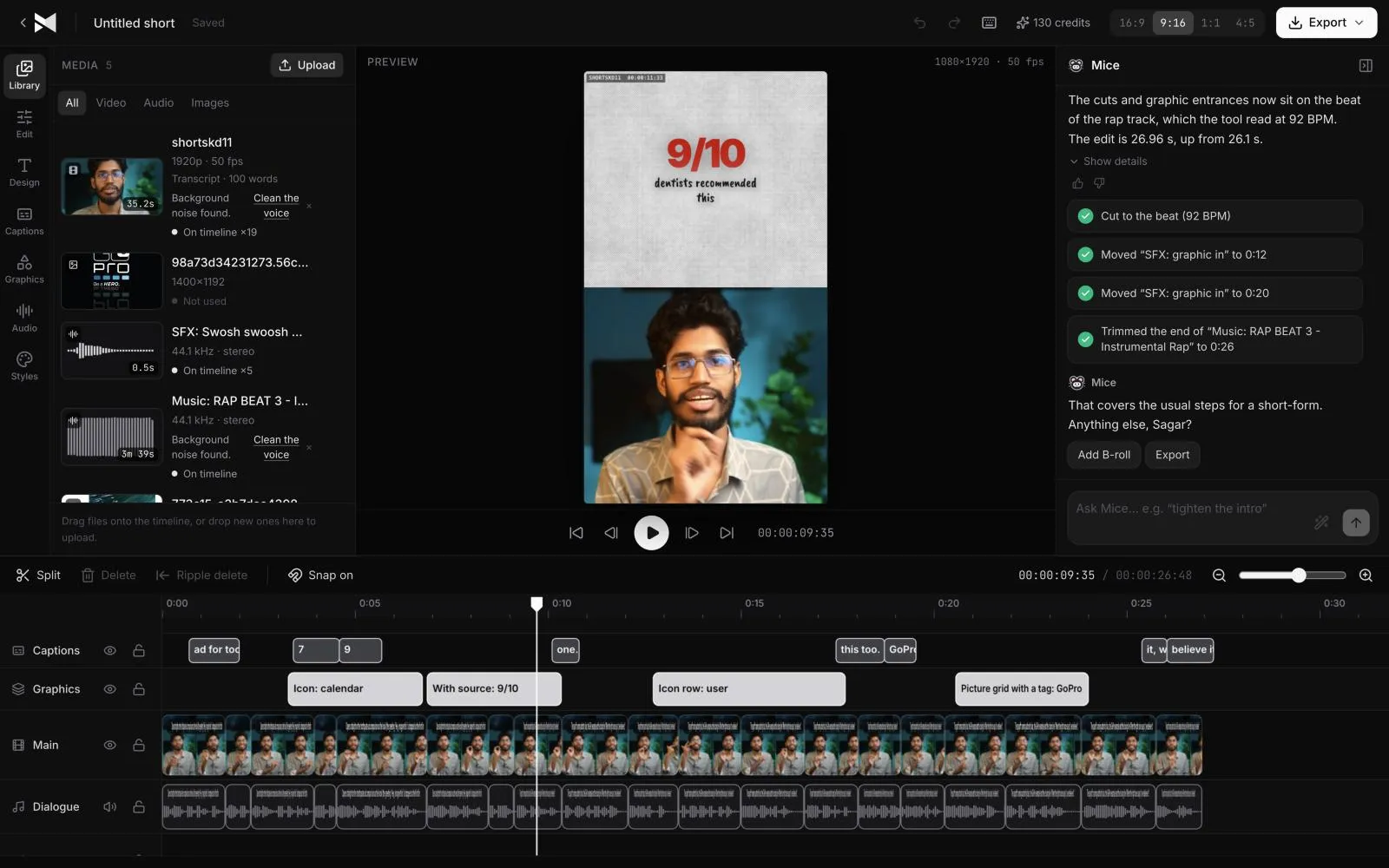
Just ask for it
Things you can type to MirrorCut's agent:
- “Give the key word of each caption a gold effect”
- “Make the number in my hook liquid chrome”
- “Use a neon look on the word "free"”
How it works
- 1
Add captions
Generate captions for your video, or open a project that already has them.
- 2
Pick a word
Select the word in a caption and open the Effects tab in the Captions panel.
- 3
Choose a look
Preview the effects on your own word and pick one. Clear it to go back to the caption's style.
What MirrorCut does
14 looks
Glass, liquid chrome, gold, soft 3D, holographic, glass chrome, gradient glow, neon, inflated, glitch, melt, pearl, chrome and soft.
On the caption, in sync
The effect belongs to the word, so it moves with it when you trim or cut and never drifts off its moment.
Fonts that match
Effects are drawn in the caption's own font, so the styled word fits the rest of the line.
Previewed on your video
Each effect is shown on your actual word before you choose it.
You approve every change
Each AI edit is outlined on the timeline and explained in one line. Accept it, revert it, or keep editing by hand; your edits and the agent's share one undo history.
Guides
- How to make a video look professionalHow to make a video look professional: sound, a tight cut, framing, clean captions, graphics and text effects used with restraint, simple transitions and colour.
- Video ad hooks: 30 examples, and how to find yours30 video ad hook examples by type (problem, result, question, contrast, proof), and how to find the strongest hook already in your own recording.
Questions
- How do I add text effects to a video?
- In most editors you style text as a separate layer and time it by hand. In MirrorCut you select a word in your captions, open the Effects tab and pick a look; it stays on that word through every edit.
- Which text effects look professional?
- One effect, on one or two key words, looks produced; an effect on every word looks busy. Chrome, glass and gold read as premium; neon and glitch suit energetic or tech topics.
- Can I use effects with any caption style?
- Yes. The effect is applied to the word you pick and takes that caption's font, so it fits any of the 48 caption styles.
- What does it cost?
- MirrorCut is free with no card: edit by hand, add captions and export 3 videos a month in up to 1080p with a small mark. Mice, the AI editor, starts with 7 days of Creator free (a card is required). After that, Creator is $10, Pro is $30, Studio is $60 a month, and every yearly payment adds 50 bonus AI credits.
Bring one recording and see your first cut
7 days free, then $10 a month.
Start your free trial